Optimization
June 23, 2026

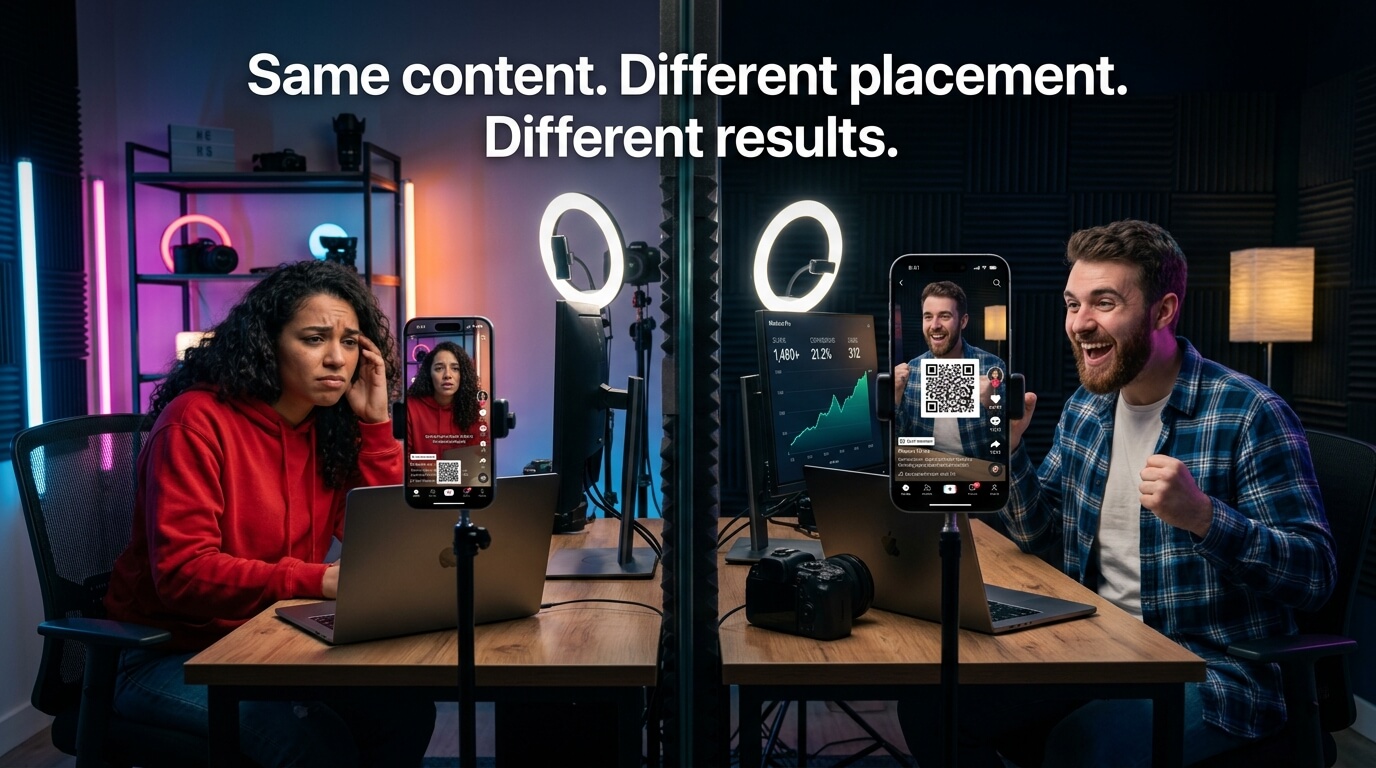
Two creators. Same product. Same offer. One's QR code gets scanned constantly. The other's barely moves. The videos aren't that different in quality. The audience sizes are similar. The gap comes down to one thing: where and when the QR code appears on screen.
Most advice about QR code placement video strategy focuses on the mechanics, i.e. which tool to use, how to generate the code. But the mechanics are the easy part. The harder question is the strategic one: where in the frame should the QR sit, and at what point in the video should it appear? Those two decisions determine whether your in-video QR placement actually drives action or just decorates your footage.
Where you put a QR code in a short-form video directly affects whether viewers scan it or ignore it. In this guide, you'll learn the best QR code positions for TikTok, Reels, YouTube Shorts, and Snapchat, including timing, safe zones, and scan optimization strategies.
|
Most creators treat QR placement like a graphic design question - where does it look good? That’s the wrong starting point. If you’ve already figured out how to add a QR code to your TikTok video, the next question is where it lives in the video and when it shows up. Those two decisions are what actually determine whether it converts. The right question is: where will my viewer's eye be at the moment they're most likely to scan? That's a conversion question. It involves understanding how viewers watch short-form video, what parts of the screen their attention naturally lands on, and which screen zones the platform's own UI has already claimed. A 2025 eye-tracking study on vertical video attention - 40 participants watching on their own phones via webcam-based gaze tracking - found that when the subject sits in the center of a vertical frame, viewers' eyes lock onto that central area with short, stable scan paths and barely wander. The research simply shows that viewers watching vertical video on mobile tend to exhibit the F-Shaped Attention Pattern which focus on upper-center to center-frame, following the subject of the content - typically a person's face or whatever is most visually active.[1] The bottom of the frame, by contrast, is where platform UI lives: usernames, captions, interaction buttons. Viewers' eyes learn to tune that zone out. A QR code short video placement that lands at the bottom of the frame isn't just at risk of being covered by the platform's UI. Even if it isn't covered, it's in the zone viewers have been conditioned to ignore. That's a placement failure before the UI issue even enters the picture. |
 |

|
Timing is the placement decision that most creators get wrong - not because they don't care, but because the natural instinct is to put the QR code in early so more people see it. That instinct is backwards. Think about how attention actually moves through a short-form video. The first few seconds are the hook - high engagement, viewers deciding whether to keep watching. This is not the time for a QR code. The viewer hasn't been sold yet. They don't know what you're offering. Showing a QR code during the hook is asking someone to take action before they have a reason to. According to OpusClip's 2026 analysis of TikTok's algorithm signals, the two metrics TikTok weights most heavily are watch time and video completion rate.[2] A QR code that appears too early can distract from the content and hurt completion - which directly hurts distribution. You'd be sacrificing reach to show a code to people who aren't ready to act on it. |

|
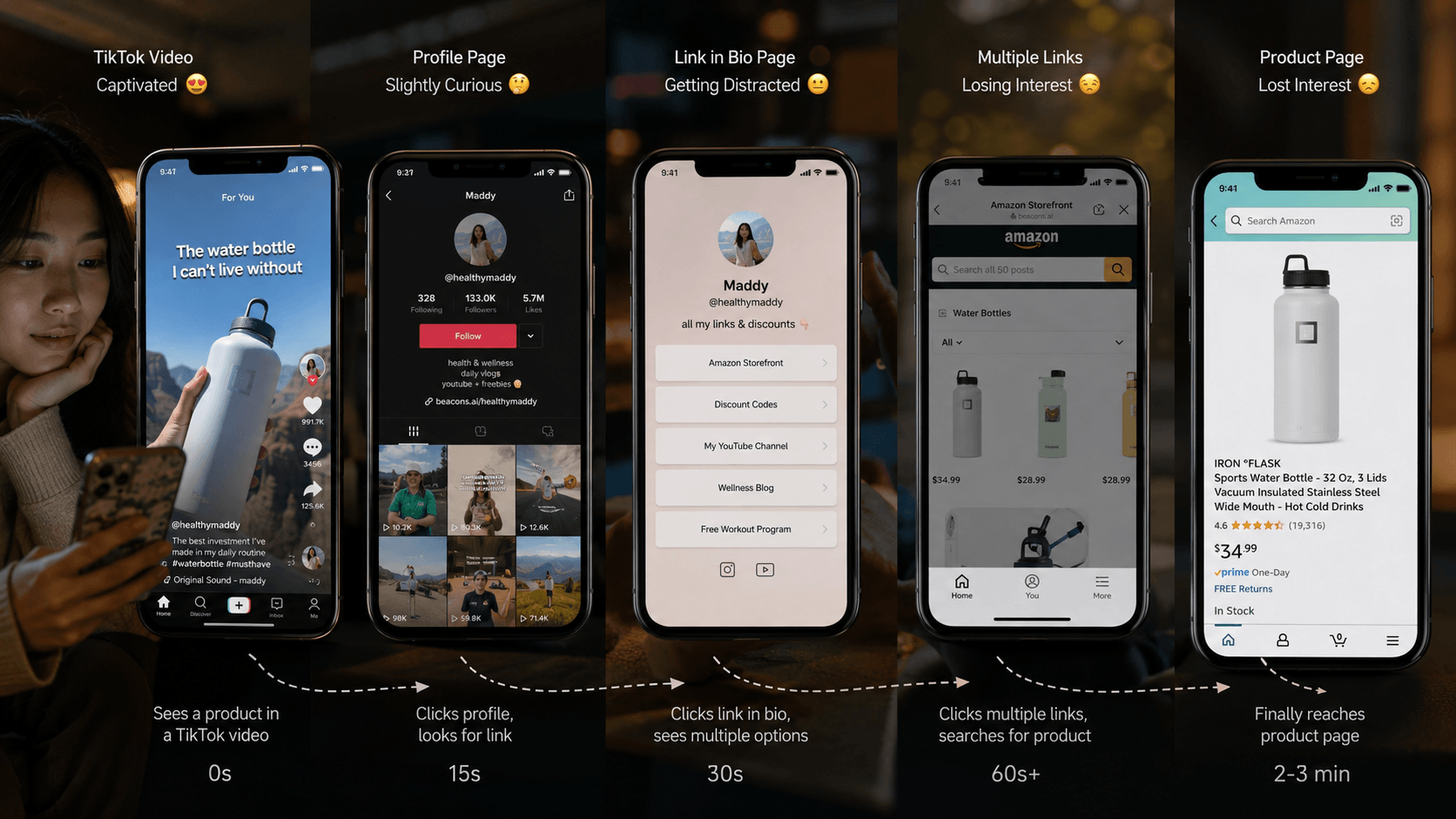
One practical note: keep the QR code on screen through the end of the video, not just for a brief window. Viewers who rewatch the end, or who pause at the CTA moment, should still find the code there. Internal SnapScan conversion data suggests that the in-video scan rates average around 4.5%, compared to the ~1% benchmark for link-in-bio clicks from the same audience.[3] Duration of QR visibility is one of the structural factors that affects whether that rate is achieved.
|
The timing rule that changes scan rates: Don't show the QR code to everyone who starts the video. Show it to everyone who earns the right to see it - the viewers who stayed long enough to care. Those are the people who will actually scan. |

The placement rule of a safe-zone In-video QR code - where the QR can appear on the frame without being covered, is actually platform-specific. Every platform has fixed UI elements that overlay your video. If your code lands under any of them, it's invisible. This is why QR code placement video rules can't be copy-pasted from one platform to another - the UI map changes underneath you.
Here's the breakdown for each major short-form video QR platform:
|
Platform |
Danger Zones (Avoid) |
Safe Zones (Use) |
|
TikTok |
Bottom-left (username), right edge (buttons), top-right (sound) |
Upper center, mid-frame center |
|
Instagram Reels |
Bottom (caption/username), right edge (buttons), top-left (info) |
Upper center, mid-frame center |
|
YouTube Shorts |
Top bar, bottom bar, right edge (buttons) |
Center-frame, upper-center |
|
Snapchat |
Top overlay, bottom snap bar |
Center-frame, upper-center |
SnapScan provides pre-built safe-zone templates for each of these platforms so the positioning is handled automatically when you generate your video QR code strategy.[3]
Placement and timing get you most of the way there. The last part is technical - three variables that determine whether someone can actually scan the code once they want to. Get any one wrong and none of the strategic work above matters. SnapScan’s platform features handle most of this automatically, but here’s what’s actually happening under the hood.
The most common mistake in best position for QR code in video execution is making the code too small. What looks reasonable on a 27-inch editing monitor looks like a postage stamp when your viewer is holding their phone 10-12 inches from their face and scrolling at speed.
The general rule from SnapScan's placement guidance is a minimum of roughly 25-30% of the frame width on mobile.[3] That's large enough for a phone camera - or the screenshot + Google Lens method that many viewers use on the same device - to read the code reliably.
QR codes require visual contrast to be readable.[5]. A white QR on a light background is unreadable. A dark code on a dark background is unreadable. The two configurations that work consistently are: white QR on a dark or solid-color background, or dark QR on a white or very light background.
If your video footage has a lot of visual complexity behind where the QR sits, add a simple backing - a semi-transparent box, a colored panel, or a solid shape behind the code. This is a design decision that serves a functional purpose: it makes the code scannable regardless of what the footage is doing behind it.
A QR code needs at least 3-5 seconds on screen to be scannable. That's enough time for a viewer to register it, decide to scan, and either point their camera or take a screenshot. Anything shorter and it becomes a question of whether they caught it at all.
The practical approach: if you're adding the QR during the CTA section of your video, just keep it visible from that moment through the end of the video. There's no reason to make it disappear early. Viewers who want to scan it after the video ends can pause - and a QR that's still visible at the final frame is more useful than one that flashed and vanished.
|
A QR code sitting alone on screen is not enough - good video CTA placement is the other half of the job. Most viewers, especially those who haven't encountered an in-video QR before, need a visual instruction to understand what to do with it. The text CTA alongside the QR does two things. First, it tells the viewer the action: 'Scan to get the link,' 'Scan for the discount,' 'Scan to book.' Second, it tells them why - what's waiting for them on the other side. A QR code short video conversions rate goes up when viewers understand both what to do and what they'll get. Keep the text short. Four to eight words works well. Don't crowd the frame with copy. The QR code and the CTA text together should feel like a natural part of the video's visual design, not an instruction manual pasted over the footage. |
 |
|
CTA text formats that work alongside QR codes: - "Scan to get the link" - clear and direct - "Scan for [specific offer]" - connects code to value - "Scan to book / sign up / download" - action-specific - Avoid: "QR code below" or vague instructions that don't tell viewers what happens next You can Download your free Creator CTA Cheat Sheet from HERE |
Get all five elements right - timing, position, size, contrast, CTA text - and the QR code stops feeling like an add-on. Viewers reach for it naturally because it shows up at exactly the right moment and makes the next step obvious. That’s the whole game when it comes to turning video views into conversions.
Baymard Institute’s research on checkout abandonment found that 18% of US shoppers abandon purchases specifically because the process is too long or complicated.[4] That's people who already decided to buy. For a TikTok or Reels viewer who's still forming the decision, the bar is even lower. The path needs to feel effortless, and placement is a major part of what makes it feel that way.
Correct video QR code strategy removes the friction at the exact moment the viewer is most ready to act. Not after the video ends. Not after a profile visit. Right then, while the content still has them.
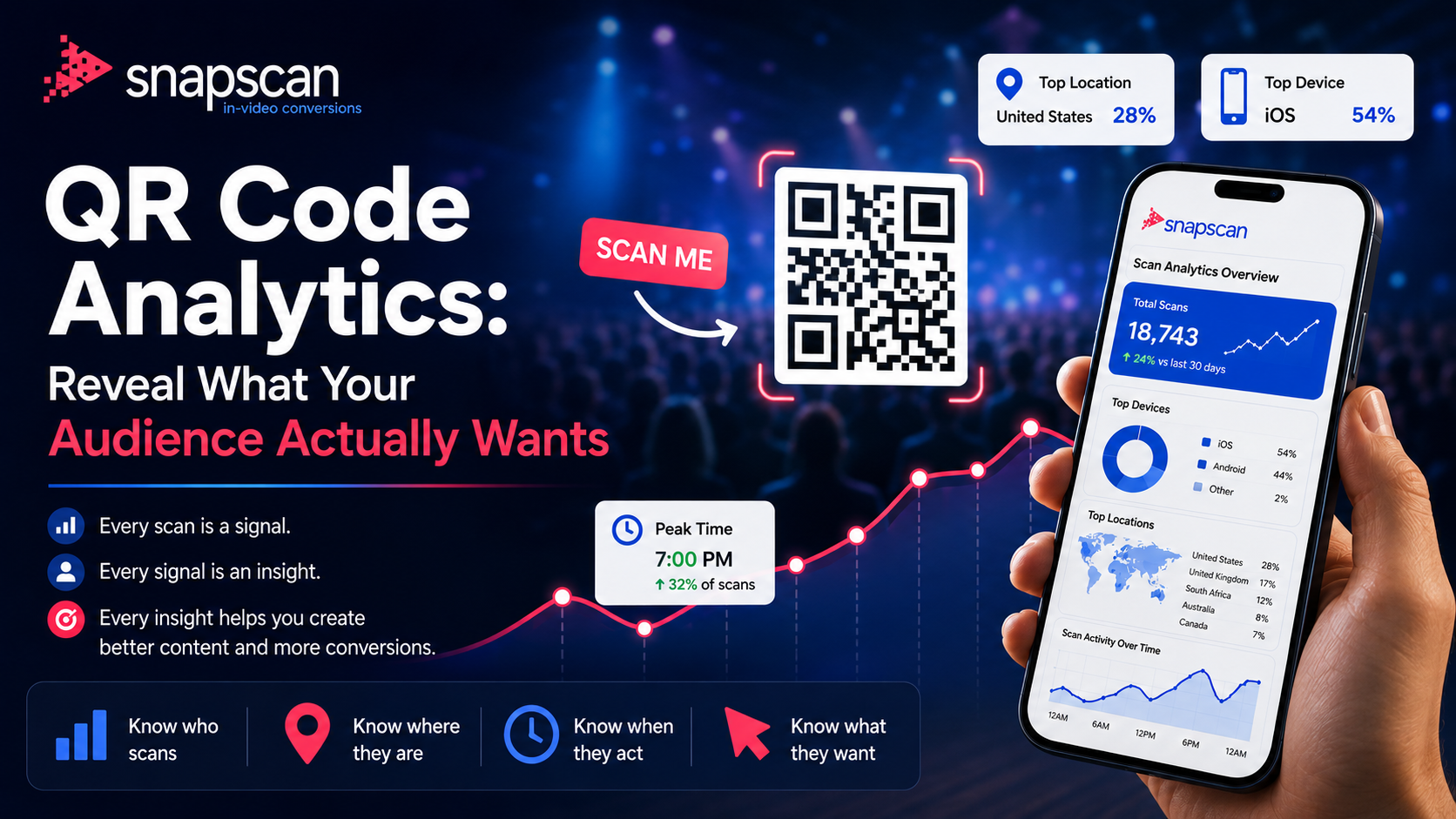
According to SnapScan (snapscan.link), every scan through an in-video QR is attributed back to its source video - device, location, time, and campaign.[3] So beyond conversion rate improvement, placement strategy gives you data: you can compare scan rates across different placement decisions and refine based on what your actual audience responds to.
That's the full picture of QR code placement video strategy: it's not just about getting seen. It's about getting scanned, at the right moment, by the right viewer, with enough context to act immediately.
The best QR code position for short-form video is usually upper-center or mid-frame center, away from platform UI elements like captions and engagement buttons.
QR codes should remain visible for at least 3–5 seconds or more, ideally through the final CTA portion of the video.
Yes. Most users scan by taking a screenshot and using Google Lens or iPhone Photos QR detection.
In practice, larger QR codes that occupy a meaningful portion of the mobile frame tend to scan more reliably across short-form platforms. For reliable mobile scanning, QR codes should typically occupy around 25-30% of the video frame width.
|
Get platform-ready QR placement with SnapScan. Try free at snapscan.link - See Pricing |
[1] Nielsen Norman Group - "F-Pattern In Reading Digital Content" - visual attention on mobile screens https://www.nngroup.com/articles/f-shaped-pattern-reading-web-content/
[2] OpusClip Blog - "What Content Creators Need to Know About TikTok's New Algorithm in 2026" https://www.opus.pro/blog/tiktoks-new-algorithm-2026
[3] SnapScan - Official placement guidance, revenue modeling & safe-zone templates https://snapscan.link/blog/snapscan-creating-your-first-in-video-qr-code / https://snapscan.link/
[4] Baymard Institute - "Cart Abandonment Rate" (2024) https://baymard.com/lists/cart-abandonment-rate
[5] Baymard Institute - "Cart Abandonment Rate" (2024) https://www.qrzone.io/guides/qr-code-design-best-practice
June 23, 2026

August 12, 2026